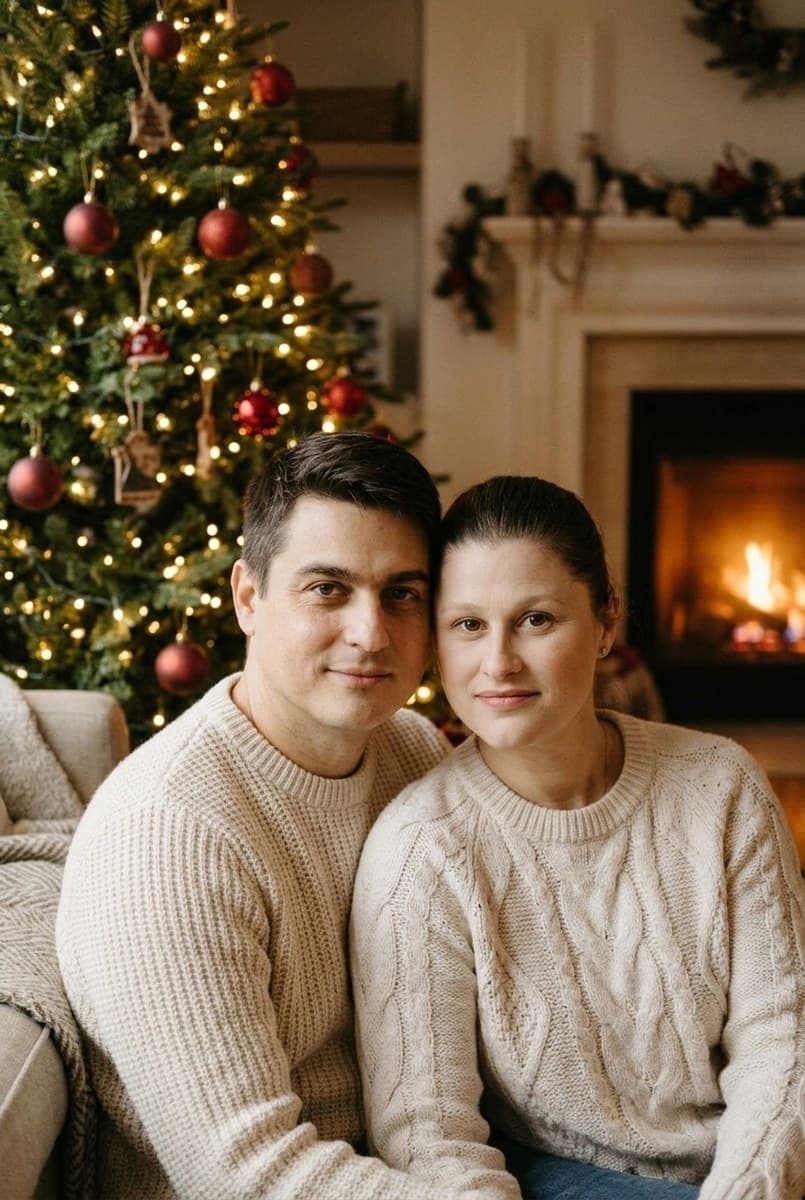
Use a sharp portrait with space above the head. For a group Christmas card, switch the output size to landscape before generating.
02 · Choose a style
Select a preset, then edit its prompt to describe your preferred setting and clothing. You can change the model and output size.
03 · Generate and review
Sign in, check the cost estimate and generate. Compare faces and details with your original, then download the result you want to keep.
Make it yours
Upload a photo you have permission to edit. AI can change likeness and fine details; review the result before sharing.
Result
Fill in the form and press Run. The result and the raw JSON appear here.
▸ Code for this request
curl https://api.tokport.io/v1/images/edits \
  -H "Authorization: Bearer $TOKPORT_API_KEY" \
  -H "Content-Type: application/json" \
  -d '{"model":"nano-banana-2-1","prompt":"Edit the uploaded photo. Keep every person's facial identity, age, skin tone, body proportions and expression recognizable. Keep the same people; do not add or remove anyone. Keep hands anatomically natural. Place the subjects beside a Christmas tree with warm white fairy lights and understated red ornaments. Soft fireplace glow, cream winter knitwear, realistic portrait photography, vertical composition. No lettering.","size":"1024x1536","n":1,"response_format":"url"}'
Can I use the result for a printed Christmas card?
Download the result and check its pixel dimensions against your printer's requirements. The portrait preset starts at 1024 × 1536; cropping and large prints may need a higher-resolution workflow.
Can the picture include a Christmas greeting?
You can ask for lettering in the prompt, but check spelling carefully. For predictable card typography, generate the photo without text and add your greeting in a design editor.
Can I make a matching holiday look for a group?
Use a single photo containing everyone and describe the same outfit style for the group. Faces, clothing and small details can change, so review all people in the result.