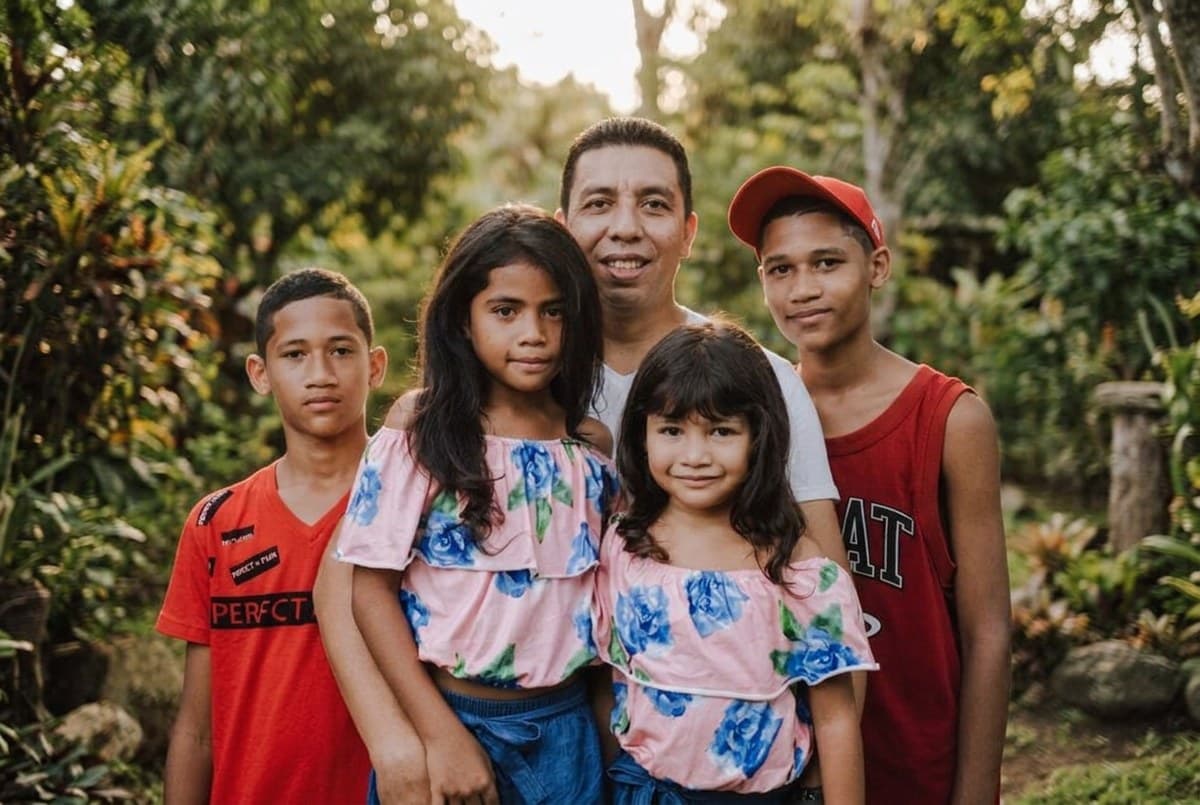
AI-edited example · Nano Banana 2.1 · Garden portrait
01 · Pick your photo
Use one group photo with every face in focus. Preserve the original arrangement and avoid heavy cropping around people at the edges.
02 · Choose a style
Select a preset, then edit its prompt to describe your preferred setting and clothing. You can change the model and output size.
03 · Generate and review
Sign in, check the cost estimate and generate. Compare faces and details with your original, then download the result you want to keep.
Make it yours
Upload a photo you have permission to edit. AI can change likeness and fine details; review the result before sharing.
Result
Fill in the form and press Run. The result and the raw JSON appear here.
▸ Code for this request
curl https://api.tokport.io/v1/images/edits \
  -H "Authorization: Bearer $TOKPORT_API_KEY" \
  -H "Content-Type: application/json" \
  -d '{"model":"nano-banana-2-1","prompt":"Edit the uploaded photo. Keep every person's facial identity, age, skin tone, body proportions and expression recognizable. Keep the same people; do not add or remove anyone. Keep hands anatomically natural. Create a family group portrait in a leafy garden with soft evening light and a softly blurred background. Keep the exact number and arrangement of people and their original clothing. Landscape composition, no text.","size":"1536x1024","n":1,"response_format":"url"}'
These presets restyle people already present in one source photo. They do not reliably reconstruct a missing person or merge separate photos into an accurate family portrait.
How can I keep everyone recognizable?
Start with sharp, visible faces and keep the original arrangement. Compare every face after generation; small faces and larger groups are more likely to change.
Can I make coordinated outfits?
Replace ‘original clothing’ with the colors and outfit styles you want. Keep the rest of the prompt unchanged for the first attempt so you can judge how well the edit preserves each person.